Bundle Pricing Models
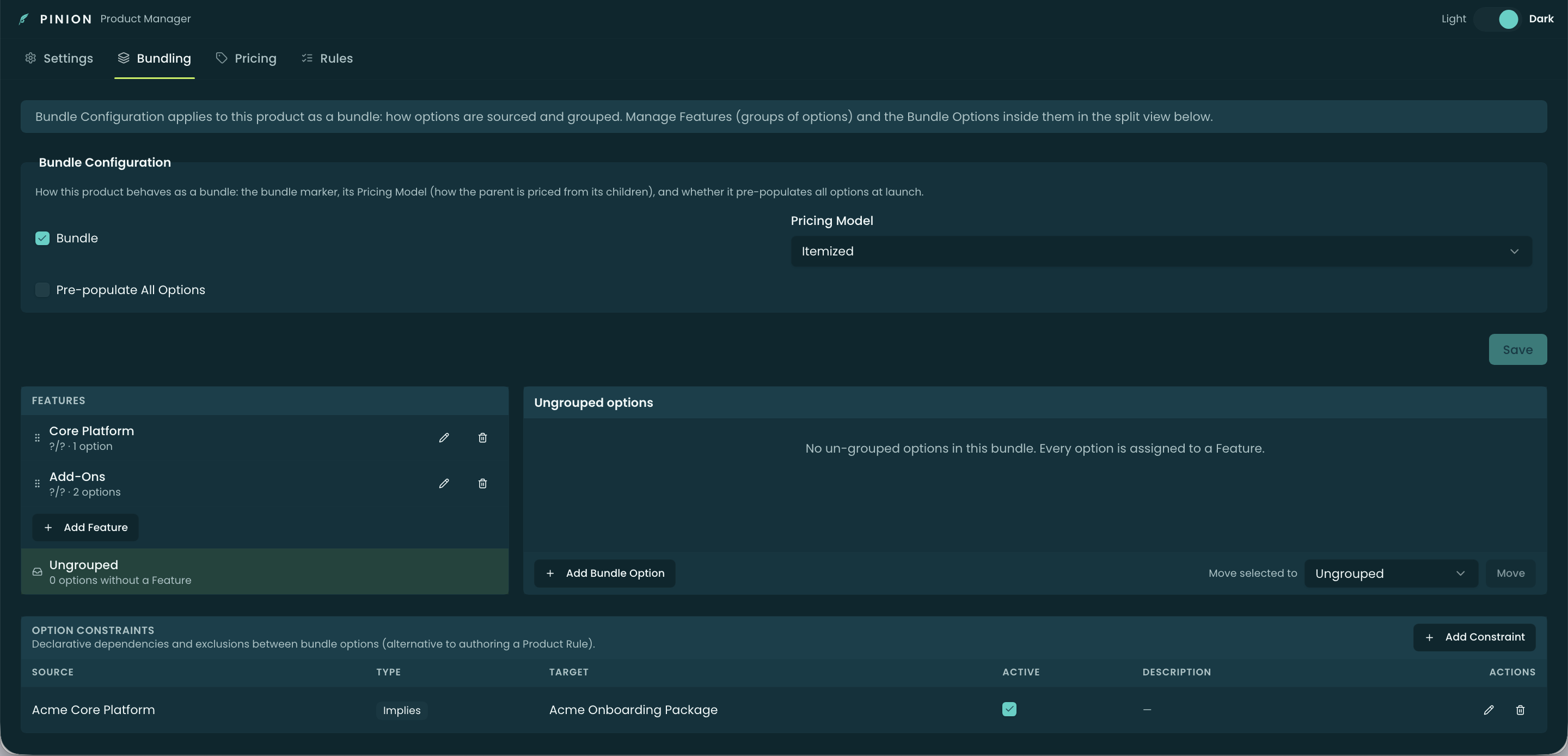
A bundle’s pricing model decides two things: how each option’s price is presented, and how those prices roll into the parent. You set it in the Bundle Configuration form on the Bundling tab via Pricing Model — a multi-select, so a bundle can support more than one model at once.
The three models
- Standard — a single bundle price sits on the parent; the options don’t carry their own line prices.
- Roll-Up — each option keeps its own price, and they roll up into the parent’s total (the parent’s price is the sum of its options).
- Itemized — each option shows its own price and the parent line sits at $0 (the value lives entirely on the option lines).
How option type feeds the model
The option type decides how each option contributes:
- Component — quantity scales with the parent and its price rolls into the bundle (it participates in Roll-Up / Standard).
- Fixed Price Component — quantity scales with the parent, but its price is independent of the bundle’s pricing model (it carries its own price regardless).
- Accessory — quantity is static (doesn’t scale with the parent); it’s priced as its own line.
- Related Product — a standalone line, priced and edited independently in the QLE.
So the model governs how Component prices present and aggregate; Fixed Price Components, Accessories, and Related Products keep their own prices either way.
Bundle discounts
A bundle can carry a bundle-level discount (a percent or amount on the parent) that is distributed across the option lines rather than sitting only on the parent — so each line reflects its share. The exact distribution math (and how it interacts with each model) is covered in Pricing Methods; the key guarantee is that the option-line totals always reconcile to the bundle total.
Related
- Options — the option types that feed the model.
- Pricing Methods — where bundle pricing sits in the waterfall and the discount-distribution math.
- Configurator — Building a Quote — the rep-facing pricing-model toggle and bundle subtotals.