Translations
A single template can serve multiple languages. Translations let you provide a per-locale version of a template’s text without rebuilding the whole layout — so a French deal renders French terms and a German deal German ones, all from one template.
You manage them from the Translations card inside the template editor (one set of translations per template). Each translation is tied to a locale and overrides:
- the Header HTML,
- the Footer HTML,
- the Terms HTML, and
- optional layout overrides (per-section text overrides for that locale).
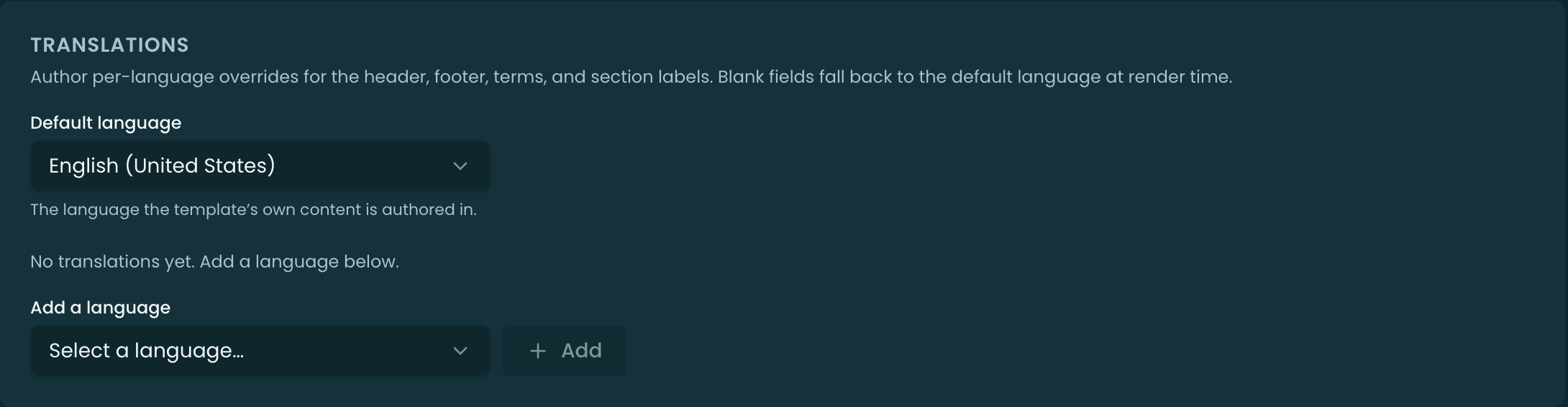
How a locale is chosen at render
When a document is generated, Pinion looks for a translation whose locale matches the document’s locale. If one exists, its translated header/footer/terms (and any layout overrides) replace the base template’s; if not, the base template renders as-is. So you only translate what you need — anything without a translation simply uses the original.
What to translate (and what not to)
Translate the prose: header, footer, terms, and any fixed labels in the layout. You don’t re-translate the data — line items, totals, dates, and merge-field values come from the deal and render in their own format; the translation only swaps the template’s own wording.
Related
- Quote Templates — the base template a translation overrides.
- Generating a Quote — the locale resolved at generation time.